How To Get The Right Length Output From AI
I asked ChatGPT for a detailed report on a company. Got 15 pages. Way too much.
I followed up asking for a concise version. Got 10 bullet points. Not enough.
Then I tried something different: "The report should take 3 minutes to read."
Perfect.
The Problem With Vague Words
Words like "concise," "detailed," "brief," and "long" mean different things to different people. And they mean different things to AI.
When you say "give me a concise summary," you're asking AI to guess. Sometimes it guesses right. Often it doesn't.
I ran an experiment. I took a simple prompt:
Give me a report on what a coding agent is.
Then I ran it through GPT-4o with different qualifiers: "Be verbose," "Be detailed," "Be concise," "Be brief," and "Make this a 2 minute read." Five runs each, same model. Look at the variance:
Same prompt, 5 runs each. Look at the variance.
Same prompt. Same model. Different results every time.
Same prompt with "Make this a 2 minute read"
Much tighter. The model has a clear target.
Model: GPT-4o | Prompt: "Give me a report on what a coding agent is." | See full responses
"Concise" has 87% variance. "Brief" is 25%. These vague words give wildly inconsistent results.
But "2 minute read"? Just 13% variance. The outputs cluster around 447 words, almost exactly 2 minutes at average reading speed.
Word Counts Are Meaningless
Okay, so the solution is to tell the AI exactly how long the output should be. But how many words is "a lot" or "a little"?
Quick: is 500 words a lot or a little?
How long does it take to read 300 words?
The average adult reads about 238 words per minute (based on a meta-analysis of 190 studies). Most people don't have an intuition for word counts, but everyone knows what "3 minutes" feels like.
The Fix: Use Read Time
Instead of vague qualifiers, tell AI how much of your time you want to invest in reading the output.
- "Give me a brief summary" -> "Give me a summary I can read in 1 minute"
- "Write a detailed report" -> "Write a report that takes 5 minutes to read"
- "Be concise" -> "Keep this under 2 minutes to read"
- "Make it longer" -> "Expand this to a 4 minute read"
The model knows approximately how many words fit in a "3 minute read." More importantly, you know exactly what you're asking for.
Here's how you might structure a prompt for a multi-section report:
Please give me a report on how to use a coding agent. Give me the following output:
- Definition of coding agent (3min read)
- The most popular coding agents (1min read)
- Getting started guide (5min read, concise numbered guide)
Why This Works
-
It matches your intent. You're not thinking "I want 500 words." You're thinking "I have 3 minutes to understand this."
-
It anchors the model. Instead of guessing what "brief" means to you, it has a concrete number to work toward.
What This Enables
This changes how you work with AI. You can now budget your learning time:
- "I have 5 minutes for this brainstorming session"
- "I want to spend 20 minutes learning about this topic today"
- "Give me the 2 minute version now, I'll ask for more depth later"
Or combine different depths in a single request:
Give me a guide on coding agents with these sections:
- Summary (1min read)
- Popular tools (2min read)
- Mental models and key concepts (5min read)
This is something you can't do anywhere else on the internet. Blog posts are whatever length the author decided. YouTube videos are fixed. Documentation is exhaustive.
With AI, you choose exactly how much time you want to invest.
Want more like this? Get my best AI tips in your inbox.

AI DevX Engineer at SurePath AI. Former Amazon engineer. I write about using AI effectively for work.
Recommended Articles
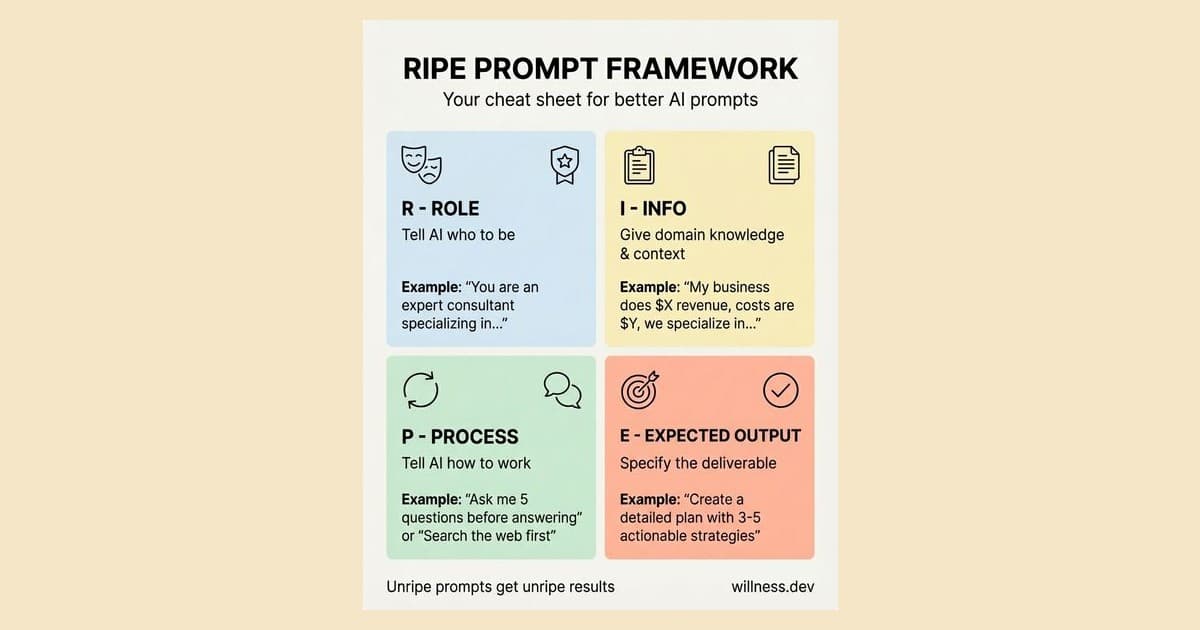
How to Actually Use AI (A Simple Framework)
AI is a text predictor, not a mind reader. Structure your prompts with the RIPE framework (Role, Info, Process, Expected output) to get useful results instead of generic slop.
AskUserQuestionTool Changed How I Use Claude Code
Stop writing comprehensive prompts. Let Claude Code interview you instead. Here are 7 ways I use AskUserQuestionTool to improve my coding agent's output quality.

A Letter to the Developer Who Thinks AI Is a Gimmick
AI is not magic - it's a pattern-matching tool. Understanding how LLMs work explains why your experience sucked and reveals when coding agents actually shine.