A Letter to the Developer Who Thinks AI Is a Gimmick
This is for any software developer who's hesitant about AI.
I'm not here to hype AI to you and convince you it's the best tool for everything and you HAVE TO LEARN IT or you'll lose your job. Instead, I want to clearly explain what coding agents can and can't do, so you can decide for yourself when to reach for them.
I am NOT here to advocate for vibe coding. Vibe coding was introduced with the idea that the code doesn't matter, which I think is a really bad idea for production codebases.
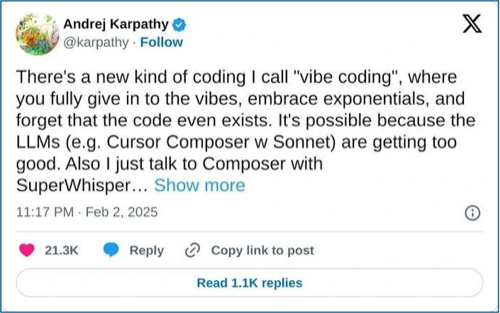
I think vibe coding is not well suited for most use-cases. There's a time and place for one-off scripts and disposable software, but 95% of the time I'm building production software where vibe coding is a terrible strategy.
And let me be clear on my stance: the code matters.
My goals haven't changed because of AI. I care about building software that is:
- Functional - works as intended, bug-free
- Secure - no vulnerabilities
- Extendable - easy to add features without major refactors, hard to break
- Minimal - smallest codebase that accomplishes the goal
Everything in this article is geared towards how you can better operate coding agents to meet these goals.
I'm not here to take away from the craft of software engineering. I'm here to show you how coding agents can be one of the tools in your toolkit.
(I prefer to call this agentic coding: operating a coding agent with intention and oversight. It's a fundamentally different thing than vibe coding.)
Before we start, I want to establish what we're talking about. A coding agent is a tool that runs LLM calls in a loop and can autonomously read, write, run, and edit code across your codebase. It's an agent that can:
- Read multiple files to understand context
- Write new files and functions
- Edit existing code
- Run terminal commands
- Iterate based on errors
Examples: Claude Code, Cursor (agent mode), Windsurf, Cline, Aider, GitHub Copilot (agent mode).
This is different from LLM auto-completion. Auto-complete is great and everyone should use it. It's not invasive and saves tons of time. But coding agents are a different beast entirely... and that's what this post is about.
I want to call out the biggest pattern I see in developers learning to use coding agents: Developers new to coding agents often only use coding agents as a last-ditch effort for debugging. It goes something like this:
- Developer writes code manually
- Developer runs code
- Developer encounters bug
- Developer tries to debug for a while, can't fix
- Developer goes "ok, let's throw AI at this"
- AI tries but can't fix it either
- Developer goes "wow, AI still isn't very good"
Sound familiar? I am here to call out that this should not be your primary use case for coding agents. I think the primary use case for coding agents for most developers should simply be a faster way to write the code that you already know a lot about.
In order to support this claim, we need to talk about how coding agents actually work.
Coding agents are powered by LLMs. LLMs are text prediction machines. Give an LLM "The quick brown fox jumps over the lazy" and it responds with "dog." It's predicting the most likely next word based on patterns in its training data.
The quick brown fox jumps over the lazy dog.So how did we get from text completion to helpful assistants? AI companies took these text prediction models and made them useful by generating millions of training examples in a specific format: a "helpful assistant" responding to user messages. This is called instruction tuning.
For example, if an AI company wanted their LLM to be good at helping users bake bread, they could scrape an article like this:
- 3 cups all-purpose flour
- 2 cups warm water (110°F)
- 2 tsp salt
- 1 packet active dry yeast
- Dissolve yeast in warm water
- Mix flour and salt, add yeast mixture
- Knead 10 min until smooth
- Let rise 1 hour...
They'd then turn this into training data, mocked as user/assistant conversations:
After training on examples like these, the LLM can assist users with bread-related messages.
A similar strategy was used to make LLMs good at coding. Here's an example of how a pull request could be turned into training data:
Refreshes the homepage with new title, fixes button typo, adds loading state.
This becomes structured training examples like:
return (
  <div>
    <h1>Welcome</h1>
    ...
    <Button>Subimt</Button>
  </div>
)return (
<div>
<h1>Hello World</h1>
...
<Button>Subimt</Button>
</div>
)return (
<div>
<h1>Hello World</h1>
...
<Button>Submit!</Button>
</div>
)Because of all of this training data, coding agents are really good at reading existing files and making changes based on what they've read so far. This has given coding agents a few different properties:
- They are good at copying existing patterns in your codebase
- They are good at exploring codebases to find relevant files
- They can write code for languages, frameworks, and libraries that were sufficiently featured in the training data
Here's the key insight: LLMs copy patterns. If the pattern isn't in the training data or your context window, the output will likely miss the mark.
The context window is everything the AI can "see" during a conversation: your prompt, the files it has read, and its own previous responses. It has a size limit, so the agent can't load your entire codebase at once.
This means there are two kinds of code your agent writes well:
- Code from the training dataset - if the agent trained on a language, framework, or library, it has inherent knowledge
- Derivative code - code inspired by code already in your context window
This explains why using a coding agent as a last-ditch debugging effort rarely works.
When you pull in AI to debug a mystery issue that even you couldn't solve, you're asking it to solve something that likely:
- Isn't in the training data - your specific bug with your specific setup wasn't in the millions of examples it learned from
- Isn't in the context window - the root cause might be in a file the agent hasn't read, or in an interaction between systems it can't see
If your issue is well-known and popular, the agent might succeed because it's probably in the training data. If the fix is easily found in your codebase or documentation, it might succeed because it'll find the right files.
But if the issue isn't in the training data AND isn't obvious from what's loaded in context... the agent is much less likely to implement a correct solution. And its guesses may look confident but be wrong.
This isn't a flaw in AI. It's just how the technology works. Once you understand the mechanism, you can use it correctly.
Beyond your prompts and file exploration, there are other ways to get context into your agent: web search, documentation tools, sub-agents that explore for you, and more.
This is called context engineering.
I cover some strategies later in this article, and write more about it in other posts. to stay in the loop.
What AI Is Actually Good At
You're probably thinking: if I already know how to write the code, why do I need AI?
Because knowing how to write code and actually writing it are two different things. You know exactly how your CRUD endpoints should look. You know what tests to write. You know that messy module needs a refactor. But doing all of that takes time, and there are only so many hours in a day.
Coding agents are a force multiplier for implementing patterns that exist in training data or your codebase. You understand the task. You could write the code yourself. The agent writes it faster. Think of it as offloading typing, not thinking. You're still the one who knows what good code looks like. You're still verifying the output.
This is why I said earlier: the primary use case should be a faster way to write code you already know a lot about. Here are the use cases where that pays off the most.
Writing similar code
- You've written one implementation, you need more that follow the same patterns
- Point the agent at your existing code and tell it what to build next
- I do this constantly with API endpoints: build one, get the patterns right, tell the agent to create the rest
- Works because the code is derivative of code already in the context window. Not guessing, copying.
Writing tests
- Testing frameworks like Jest, Pytest, Vitest are heavily represented in training data
- Agent reads your implementation, understands what it does, writes tests including edge cases
- Matches your existing test conventions automatically
- My test coverage has gone way up since coding agents made writing tests nearly effortless
Refactoring code
- Point agent at a messy module, tell it to clean up
- Reads the whole module, identifies duplication, restructures while preserving behavior
- Refactoring patterns (extract utilities, consolidate logic, apply design patterns) are heavily represented in training data
- Your code is already in context. Both sources covered.
Implementing frontend code
- React components, CSS layouts, form handling, responsive design... done millions of times in training data
- Paste a screenshot from Figma and the agent creates a matching component
- Without detailed mocks you'll get generic designs, but with good references the output is solid
Database migrations
- Agent runs
git diff, sees the schema change, writes a migration script - Migration patterns are common in training data,
git diffprovides the context
Setting up boilerplate
- Project initialization with popular frameworks is extremely well-documented in training data
- Next.js + TypeScript + Tailwind + shadcn/ui? Agent initializes everything, removes unnecessary boilerplate
- No more looking up docs for setup
Enforcing code standards
- Put your team's code standards in a markdown file
- Agent reads your PR diff, compares against those rules, flags violations
- Pattern matching your code against your explicit requirements
Migrating languages
- Agent translates logic while adapting to idioms of the target language
- Both source and target language patterns exist in training data
- Write tests first, migrate the code, verify tests still pass
Automating developer workflows
- Formatting, linting, testing, committing... all well-known patterns individually
- Agent chains them into automated workflows that run with a single command
- Format -> lint -> type-check -> test -> pull -> fix conflicts -> commit -> create PR
You can use coding agents to write unfamiliar code, but it's harder. You need to be skilled at fetching the right context: finding examples online, pulling in documentation, or setting up your agent to iterate quickly on its own mistakes.
The use cases above are the easy wins. It's possible to do more with coding agents, but it requires more practice with the tool to get high quality software.
Here's my other big gripe with developers adopting AI:
- Developer writes a big prompt
- Coding agent implements something
- Something doesn't work
- Developer says "See? The code sucks. AI is bad."
This frustrates me because that's not how software development works.
Software has always been a loop: code, test, fix, repeat. This iteration is core to building software. It's not a bug in the process. It's the process.
You write code. You run it. Something breaks. You fix it. You run it again. Something else breaks. You fix that too. Eventually it works. Then you clean it up.
Here's the thing: one-shotting code is fundamentally impossible. Your code runs on devices, browsers, and servers you don't control. It calls external APIs that change without warning. It depends on libraries that update constantly. As long as your code interfaces with systems outside your control, you can never be certain it works until you run it.
No amount of AI improvement will change this. The iteration loop isn't a limitation of current models. It's a property of software development itself.
Yet I've seen many developers expect their coding agent to one-shot every problem. Here's the reality: your coding agent will produce buggy code. It will incorrectly interface with APIs. It will miss edge cases.
And guess what? So do you when you write code.
The difference is you don't throw your hands up and say "I guess I'm a bad programmer" when your first attempt doesn't work. Okay, maybe you do... but then you move on and you iterate.
Your coding agent is not a replacement for the software iteration loop. It's a different tool for completing the same loop. You're still in charge. You're still responsible for steering it correctly. You still need to iterate. It may take you dozens of prompts, that's ok.
Coding agents are powerful, but they need direction. They do exactly what you ask, not what you meant. If you leave decisions up to the agent, it'll make decisions you might not agree with.
Specify the libraries, patterns, and conventions you want. The more specific your instructions, the better the output.
When You're Still Stuck
Sometimes you'll use AI correctly and still get bad results. Usually this means the pattern isn't in the training data AND you haven't loaded the right context.
The art of optimizing the context in your context window is called context engineering, and it's one of the new skills anyone operating coding agents needs to develop.
A few strategies:
Let your agent run the code. Most coding agents can execute code, run tests, and see error messages. When the agent runs your code and sees what actually happens, it gets context that isn't in the training data or your files. Error messages, stack traces, and runtime behavior are incredibly valuable signals.
Use web search. If you're using a library that just came out or was recently updated, relevant examples won't be in the training data. Let your agent search the web for documentation, examples, and guides.
Paste links. Sometimes I'll paste links directly to documentation pages, articles, or READMEs. For example, I read loggingsucks.com and wanted to implement its advice, so I asked my agent to read the webpage and implement based on what it learned.
Use sub-agents for exploration. Claude Code has an explore sub-agent that runs a fast, cheap model to explore your codebase and return a concise summary. Your main agent gets the context it needs without polluting the context window. Other coding agents have similar paradigms.
Pull from other projects. Sometimes I'll tell my coding agent: "Run an explore agent in ~/Projects/Other-Project and summarize how they handle X, then copy that pattern here."
Make your agent ask questions. Have your coding agent ask clarifying questions when it's unsure instead of plowing ahead and guessing.
I write more about context engineering in other posts. to stay in the loop.
How To Think About Coding Agents
Coding agents are a power tool, not a magic wand. Like any tool, they're great for specific jobs and terrible for others.
Use them for pattern-heavy work: tests, similar code, refactors, frontend implementations, boilerplate. Don't only use them as a last-ditch effort when you're stuck on something novel.
Stop thinking of AI as a replacement for engineering judgment. Start thinking of it as a faster way to write code you already understand.
That's how I use it. Every day. To ship production software that's functional, secure, extendable, and minimal.
Quick reference:
- AI copies patterns from training data and your codebase
- Best for: tests, similar code, refactors, frontend, boilerplate, migrations
- Worst for: novel debugging with no context
- Always iterate. Never expect one-shot perfection.
- When stuck, engineer better context: web search, docs, sub-agents, questions
Learn More
If this shifted your perspective and you want to learn more:
- The Agentic Loop - How to make your agent iterate autonomously instead of being the bottleneck
- AskUserQuestionTool - How to build better specs with your agent
- My Claude Code Workflow - Full breakdown of how I use coding agents daily
Want more like this? Get my best AI tips in your inbox.

AI DevX Engineer at SurePath AI. Former Amazon engineer. I write about using AI effectively for work.
Recommended Articles
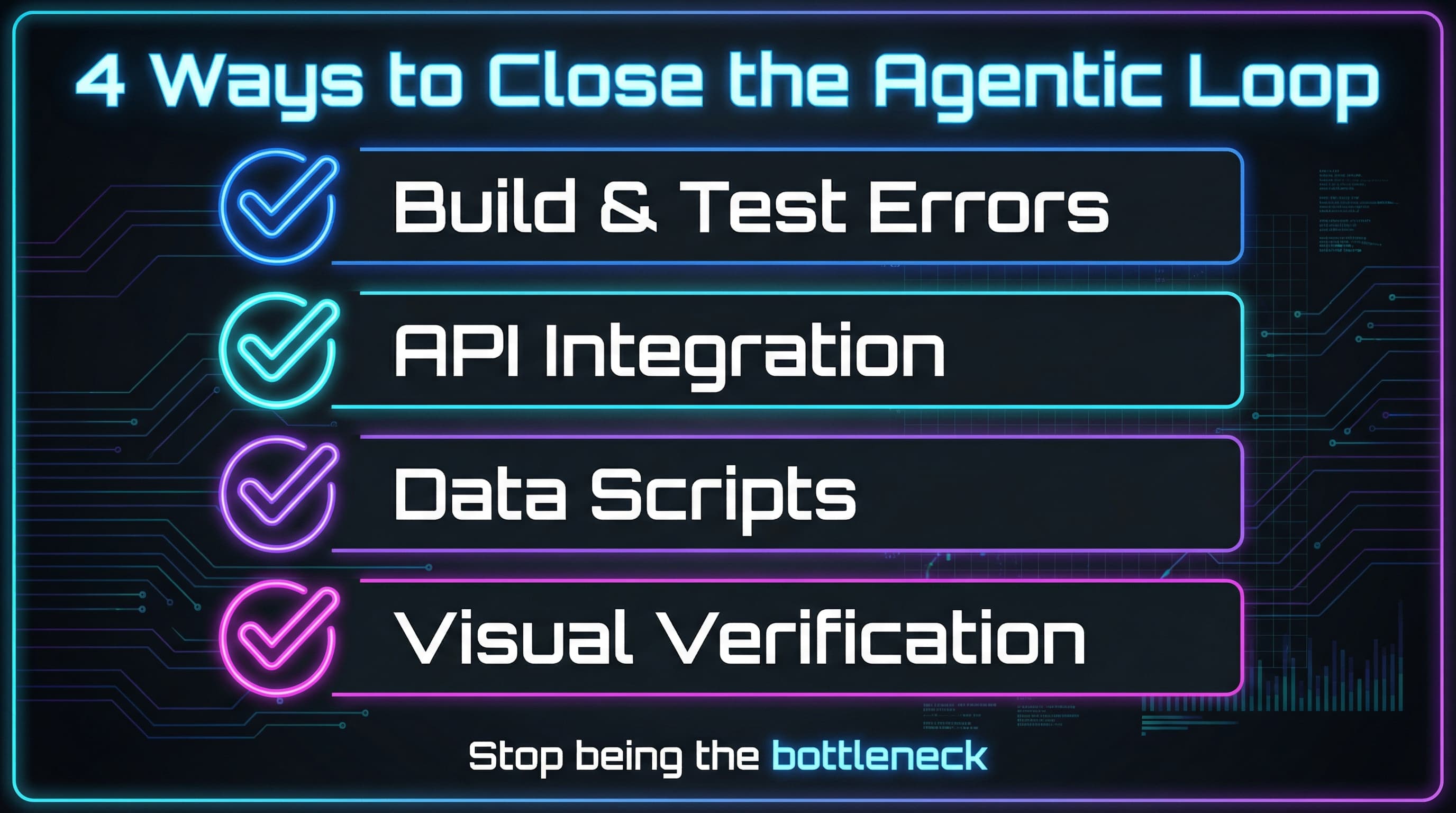
The Agentic Loop: Stop Babysitting Your Coding Agent
The more your agent can run code and feed output back to itself, the less you do. Learn how to close feedback loops and let your coding agent iterate autonomously.
AskUserQuestionTool Changed How I Use Claude Code
Stop writing comprehensive prompts. Let Claude Code interview you instead. Here are 7 ways I use AskUserQuestionTool to improve my coding agent's output quality.
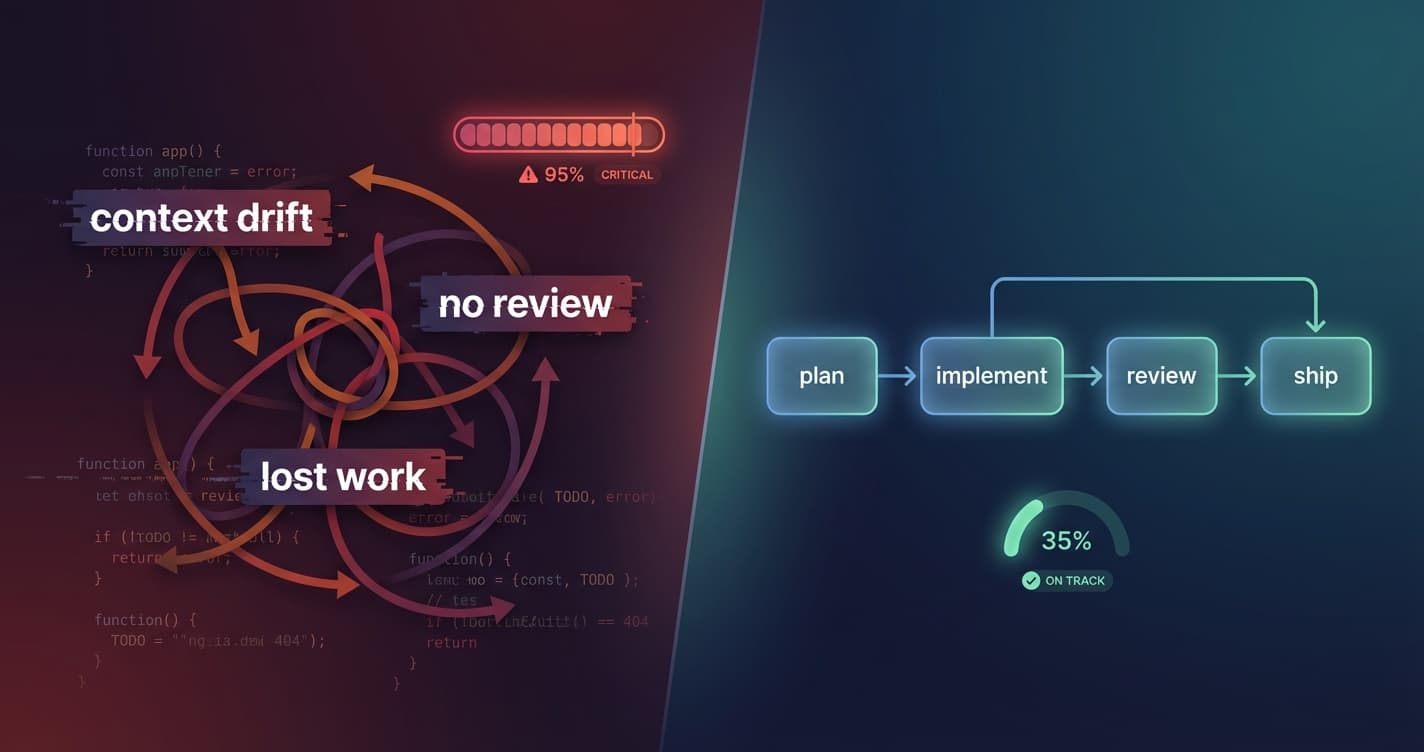
My Claude Code Workflow for Building Features
A structured workflow for using Claude Code with sub-agents to catch issues, maintain code quality, and ship faster. Plan reviews, code reviews, and persistent task management.