The Agentic Loop: Stop Babysitting Your Coding Agent
Most developers use coding agents wrong. They ask for code, run it themselves, hit an error, copy the error, paste it back, wait for a fix, run it again, hit another error, copy, paste, wait...
You're the bottleneck.
Your coding agent can work in a loop where it iterates by itself: write code, run it, see the error, fix it, run again, repeat until done. But you need to give it the right workflow. This post shows you how.
This applies to Claude Code, Cursor, Windsurf, Aider, and any coding agent that can run terminal commands.
The Anti-Pattern
Here's what most people do. The agent writes code, then waits while you manually run it and report back:
Click Send to start the conversation
Four errors. Four times you had to context-switch, run the app, copy an error, and paste it back. Most of that 8 minutes was spent waiting on you.
The Fix
Same task. But this time, you tell the agent to run the code and verify it works:
Click Send to start the conversation
The agent hit the same four errors. But it found them, fixed them, and moved on, all in 2 minutes with zero human intervention.
The difference? One sentence:
Run the build and make sure it works before you're done.
Why This Works
Your agent can already read error messages, interpret test failures, and understand what "broken" looks like in a browser. It just can't see them unless you show them, or tell it to look.
When you ask the agent to run and verify, you're giving it access to its own output. That's all it needs to iterate.
Yes, agentic loops use more tokens. The tradeoff is your time.
Four Ways to Close the Loop
1. Build, Lint & Test Errors
The gap: You run the build, see errors, paste them back. Same for tests.
Close it: Tell your agent to run builds and tests itself. It reads the error output, looks at the relevant files, and fixes issues. Test-driven development gets powerful when the agent can iterate on red-to-green without you.
Try these prompts:
2. API Integration
The gap: You ask for a Stripe integration. The agent writes 400 lines across 4 files. You run it: API key error. Fix touches all 4 files. Run again: invalid format. Another 4-file fix. Then a webhook signature error. Then a currency format issue. Each iteration touches the entire integration.
Close it: Have the agent write a 20-line test script first. One file. It runs the script, hits the API key error, fixes it, runs again, hits the format error, fixes it - same iterations, but contained to a single throwaway file. Once the script successfully creates a charge and handles a webhook, then the agent builds the real integration using the patterns it just validated.
Try this prompt:
The script-first approach front-loads the learning. Your agent figures out Stripe's quirks in a tight loop, then writes the production code once with confidence.
3. Data & Scripts
The gap: You need to investigate a bug in production data, so you write queries yourself, or log into your database client to check it out.
Close it: Have the agent write and run investigation scripts. It can query your database, print records, spot the issue, and either fix the data or fix the code causing bad data.
Try this prompt:
SELECT * FROM orders WHERE discount IS NOT NULLorders.ts:50 — total never updatedorder.total = original - discountnode backfill.js --dry-runnode backfill.jsSELECT ... WHERE total != expectednode notify-customers.jsProblems that used to require you to dig through data manually now get solved while you do something else. The agent queries, analyzes, and reports back with findings.
4. Visual Verification (Web Apps)
The gap: You build a feature, manually open the browser, click around, report what's wrong.
Close it: Give your agent browser access so it can see what it builds. If you use Claude Code, start with Claude in Chrome, Anthropic's official extension that controls your browser directly using your existing login sessions.
Other options:
- Playwright MCP: Microsoft's MCP server with cross-browser support
- Browser Use: Open-source automation for any AI agent
- Browser MCP: Chrome extension for Cursor, VS Code, and Claude
- Puppeteer: Google's Node.js library for headless automation
The key is giving your agent eyes on what it builds.
Try this prompt:
Click Start to see the agent build and iterate
Same principle as terminal output. The agent sees what it built and can iterate.
Real Example: Shopify Sync
I needed to sync my local database and S3 to Shopify's product catalog. Instead of building the whole feature and hoping it worked, I had my agent create test scripts to figure out the process itself:
Click Send to see the agent figure out Shopify's API
I did nothing. The agent iterated through 5 failures, looked up documentation when stuck, and figured it out. I validated at the end. (I'd spent 2 hours debugging this manually before restarting with this approach. Finished in 15 minutes.)
That's the loop working.
Where Humans Belong
The loop doesn't mean zero human involvement. You're still the architect, and the guardrail against destructive mistakes. My checkpoints:
- After reviews: plan review, code review, frontend review
- Before data modifications: backfill scripts, migrations, anything destructive
- Before commit: final sanity check
Let the agent iterate freely on read operations and safe changes. Pause before writes and destructive actions.
Homework
Pick one gap from above and close it this week:
-
Easiest: Add this to your next request: "Run the build and fix any errors until it passes."
-
Medium: Add this to your next request: "Run the tests and fix any failures until they all pass."
-
Advanced: Install browser automation and try: "After implementing, open the browser and verify the feature looks correct. Take a screenshot to confirm."
The principle is simple: if your agent can see output, it can act on output. Stop being the messenger between your code and your agent.
Related
For my full Claude Code setup including CLAUDE.md configuration, hooks, and workflow patterns, see My Claude Code Workflow for Building Features.
Want more like this? Get my best AI tips in your inbox.

AI DevX Engineer at SurePath AI. Former Amazon engineer. I write about using AI effectively for work.
Recommended Articles
Your Coding Agent Can Upgrade Itself
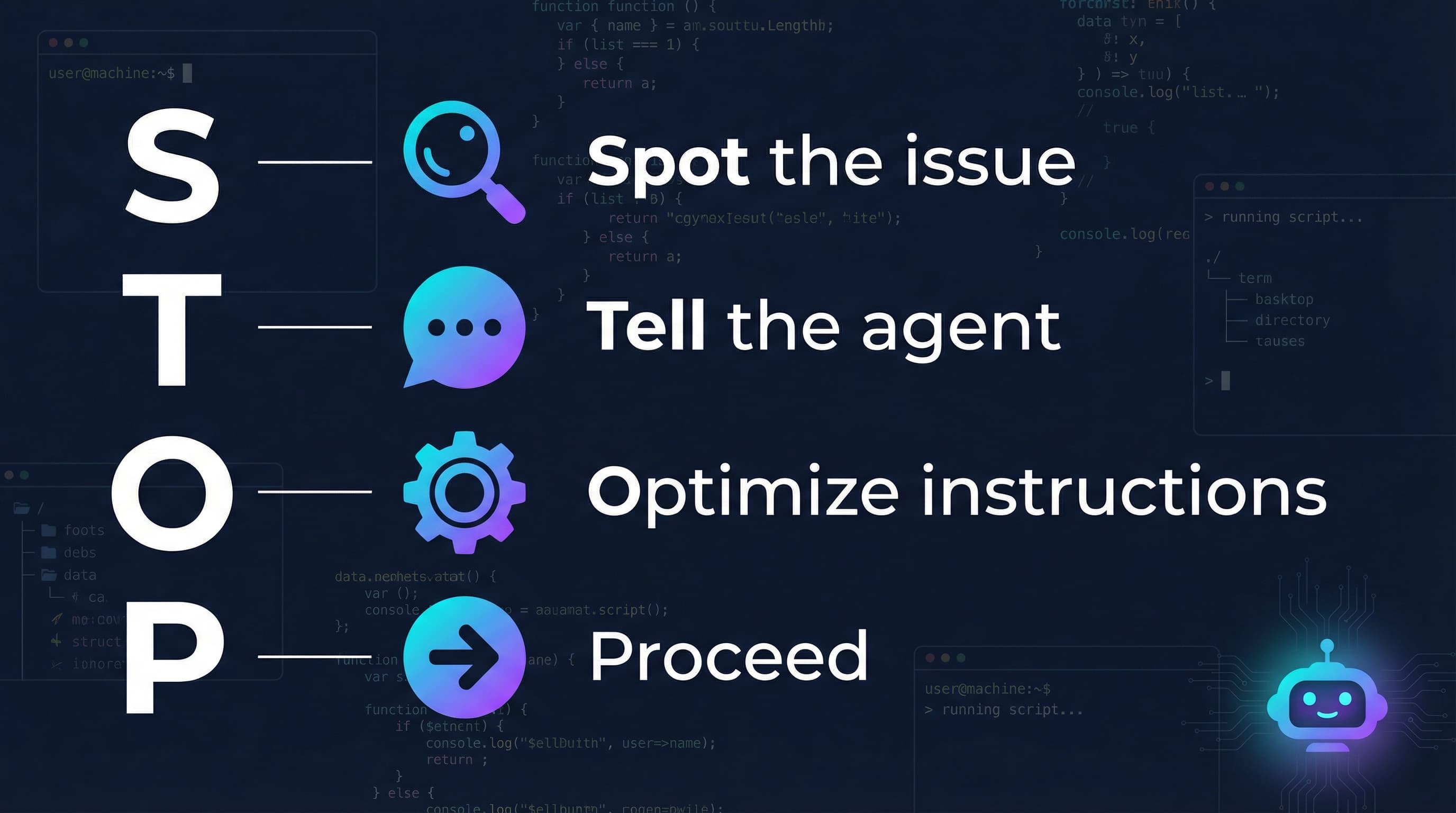
When your coding agent makes a mistake, use that moment to upgrade the agent, with the agent itself. One sentence, 30 seconds, permanent fix.
My Claude Code Workflow for Building Features
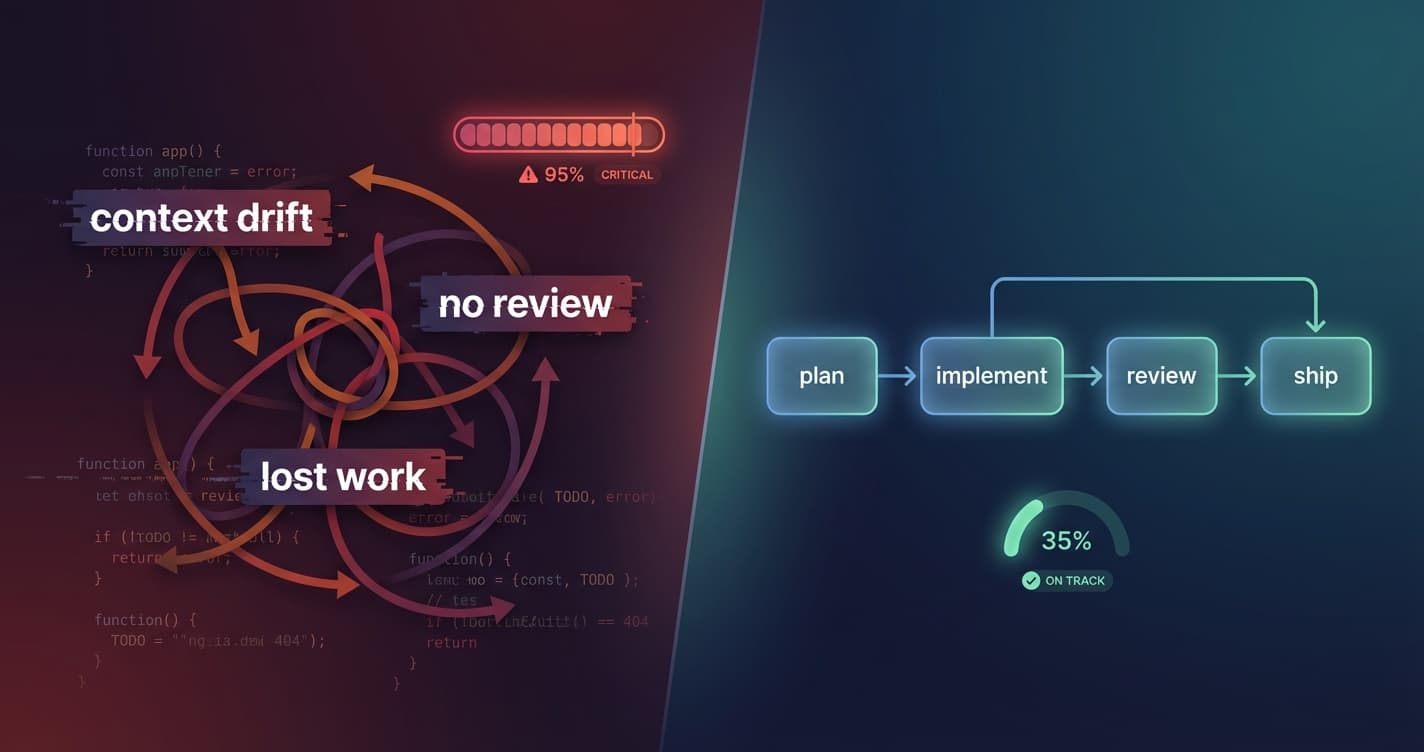
A structured workflow for using Claude Code with sub-agents to catch issues, maintain code quality, and ship faster. Plan reviews, code reviews, and persistent task management.
Why You Need To Clear Your Coding Agent's Context Window
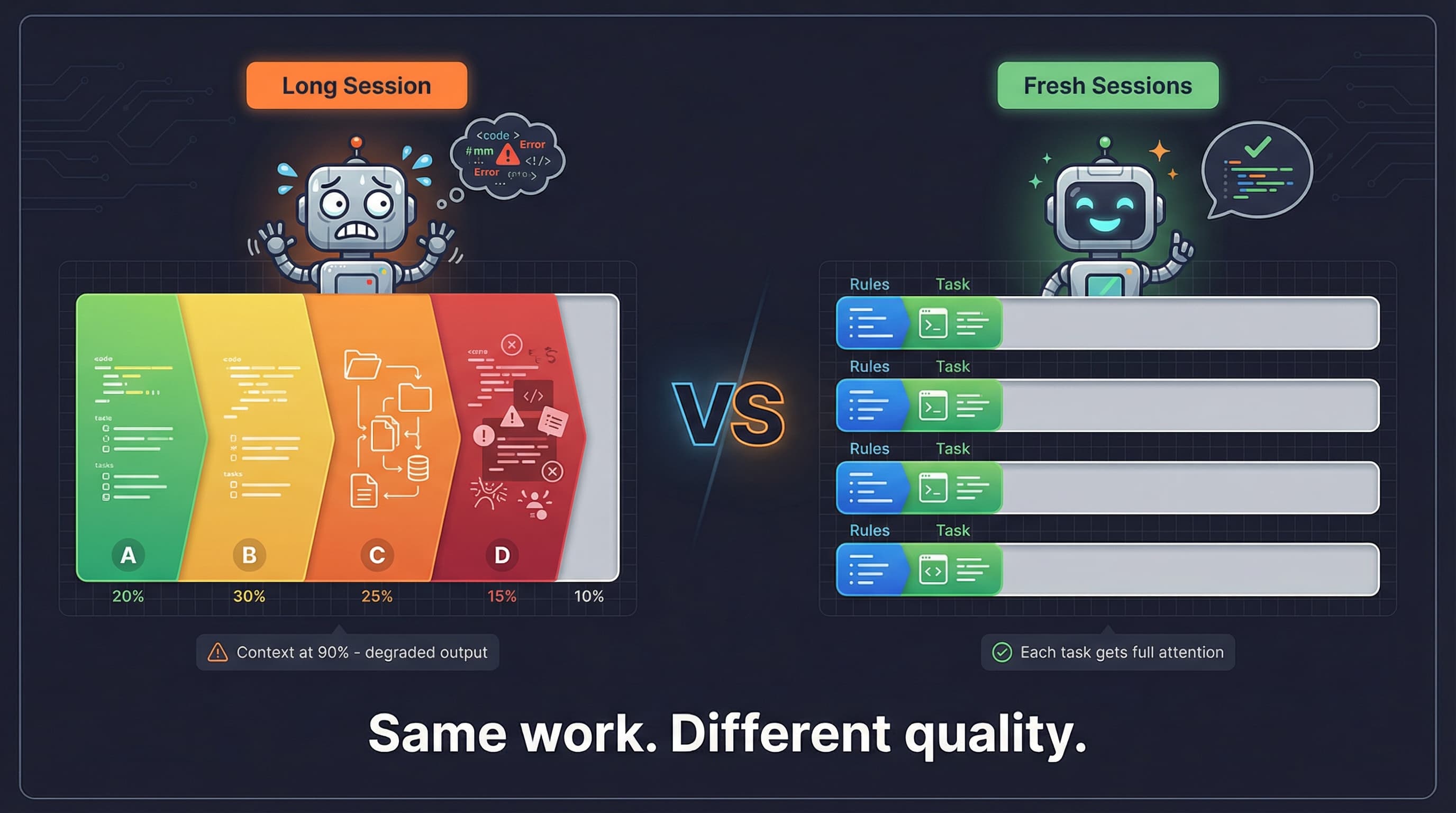
Why fresh context beats accumulated context for coding agents. Research on attention degradation and practical strategies for better AI-assisted development.