How to Get Your Coding Agent to One-Shot Complex Features
There's a technique for coding agents that I rarely see anyone talk about, and it might be the most effective for building complex features: prototyping.
What Prototyping Looks Like
I asked my coding agent to build a complex Shopify integration into my application. The feature:
- Create a product listing
- Upload 3 images to S3
- Upload those images to Shopify and attach them to the product listing
- Link the product to the correct shipping profile.
I tried to get Claude Code to implement this all in one go, and here's what that looked like:
Claude eventually figured out the feature and got it working, but it took 30+ minutes.
Throughout the coding agent session, you'll notice that:
- The agent wrote 6 files before validating any of the code
- Every time a new error was found, all 6 files had to be edited
- The agent was worried about more than just functionality: formatting, linting, unit tests.
I believed I could do this better. So, I reset all of my changes and restarted, but this time I just asked Claude to build a prototype first, and then only build the full feature after the prototype works. Here's what that looked like:
Claude was able to finish this in about 8 minutes and used a fraction of the tokens.
The two big benefits I received:
- The validation loop that the agent had was much tighter. It wrote dozens or hundreds of tokens between validation steps, not thousands.
- I hit zero errors when implementing the full feature. The agent didn't have to guess how the Shopify API worked: it had a proven, working example sitting right there in the context window.
What you should optimize for: Fail fast and early.
Why Prototyping Helps Your Coding Agent Iterate
Ok, time to get into some nerdy context optimization stuff.
If you are curious, you should read why you need to clear your coding agent's context window but the TLDR is:
AgentPerformance(RelevantContext)
>
AgentPerformance(RelevantContext + IrrelevantContext)
Coding agents perform at a higher quality when they're working with a smaller context window. The prototype approach keeps your agent in a tiny context window with a single goal.
- One file with a singular goal. No business logic, no code review, no test infrastructure cluttering the context.
- When an error happens, the agent modifies a few lines in one file instead of many lines across many files.
- Each iteration consumes less context, which means your agent stays sharp for longer.
Prototyping isolates the hardest problem: "Does this integration actually work?"
Why Prototyping Helps Your Coding Agent One-Shot Complex Features
Here is a pattern that you'll notice after working with coding agents for a while: THEY LOVE EXAMPLES.
This is why whenever you request a feature, your coding agent will go read code in your codebase even if it's unrelated. For example if you ask your coding agent to make a new API route in your NextJS app for file upload, it'll likely go read a couple existing API routes that are unrelated to file upload just so it can gather examples of how your project does API routes.
Prototyping is just building an example for your coding agent.
Your agent now has a validated example of the scariest piece of the puzzle, and building the rest of the feature is just expanding that example into production code.
When to Prototype
The common thread behind most things I prototype:
- They integrate with external systems or libraries I don't control. Databases, third-party APIs, SDKs, payment processors, cloud storage, auth providers, webhooks. Anything where the behavior lives outside your codebase.
- They aren't commonly represented in training data. Uncommon or new APIs, niche libraries, recently released SDKs.
- It's something that doesn't already exist in my codebase.
You also do not need to prototype the entire feature, just the parts that are ambigious.
How to Prototype
Some general advice:
- Make sure you set up your API keys, database integration, auth, etc.. Your coding agent needs to be able to validate that your integrations actually work, not just that the code compiles.
- Keep the scope minimal. Your goal is to create a tracer bullet (great article here by Matt Pocock on what a tracer bullet is): "It's a small, end-to-end slice of functionality that touches all the layers of your system at once."
- Specifically tell your coding agent that this is a prototype and not to worry about tests, code quality, deployment, etc..
- I actually like to commit my prototypes to a
.prototypes/directory instead of removing them after. I have found that the context is amazing for the current feature and future related features. It also "teaches" my coding agent to build prototypes. - If your feature is heavily related to the frontend, use browser automation like Agent Browser or Puppeteer/Playwright to close your validation loop.
You Might Not Need to Build One
I know I just argued for prototypes, but here are a few things you can do that have similar benefits but are much cheaper and easier:
- If any of your codebases already have an example, use it. (tip: your agent can use the GitHub CLI to search any of your codebases or any public codebase)
- Find a relevant source online and have your agent read it: articles, documentation, tools like Context7, public code repos.
The goal is the same: give your agent an example so it's copying patterns instead of guessing.
Get Started
Two ways to start prototyping today.
The simple approach. Next time you're about to build something complex, start with this:
Before implementing the full feature, create a single-file prototype that accomplishes the core goal. The prototype should:

1. Be self-contained in one file
2. Hit the real API / use the real library
3. Verify the result (fetch the data back, check the output, etc.)

Iterate on this file until it works. Do not move on to the full implementation until the prototype succeeds.
The integrated approach. I added a section to my spec creation process that identifies prototype opportunities and suggests them to me before plan mode. Before the agent starts planning the feature, it flags which parts should be prototyped first. This then triggers a prototype sub-agent whose entire purpose is building out the single-file prototype without cluttering my planning agent's context window.
Having successful prototypes referenced from your plan file makes the full implementation go significantly smoother.
Next time your agent is about to build something complex, make it prove the concept in a single file first. Everything else gets easier after that.
Want more like this? Get my best AI tips in your inbox.

AI DevX Engineer at SurePath AI. Former Amazon engineer. I write about using AI effectively for work.
Recommended Articles
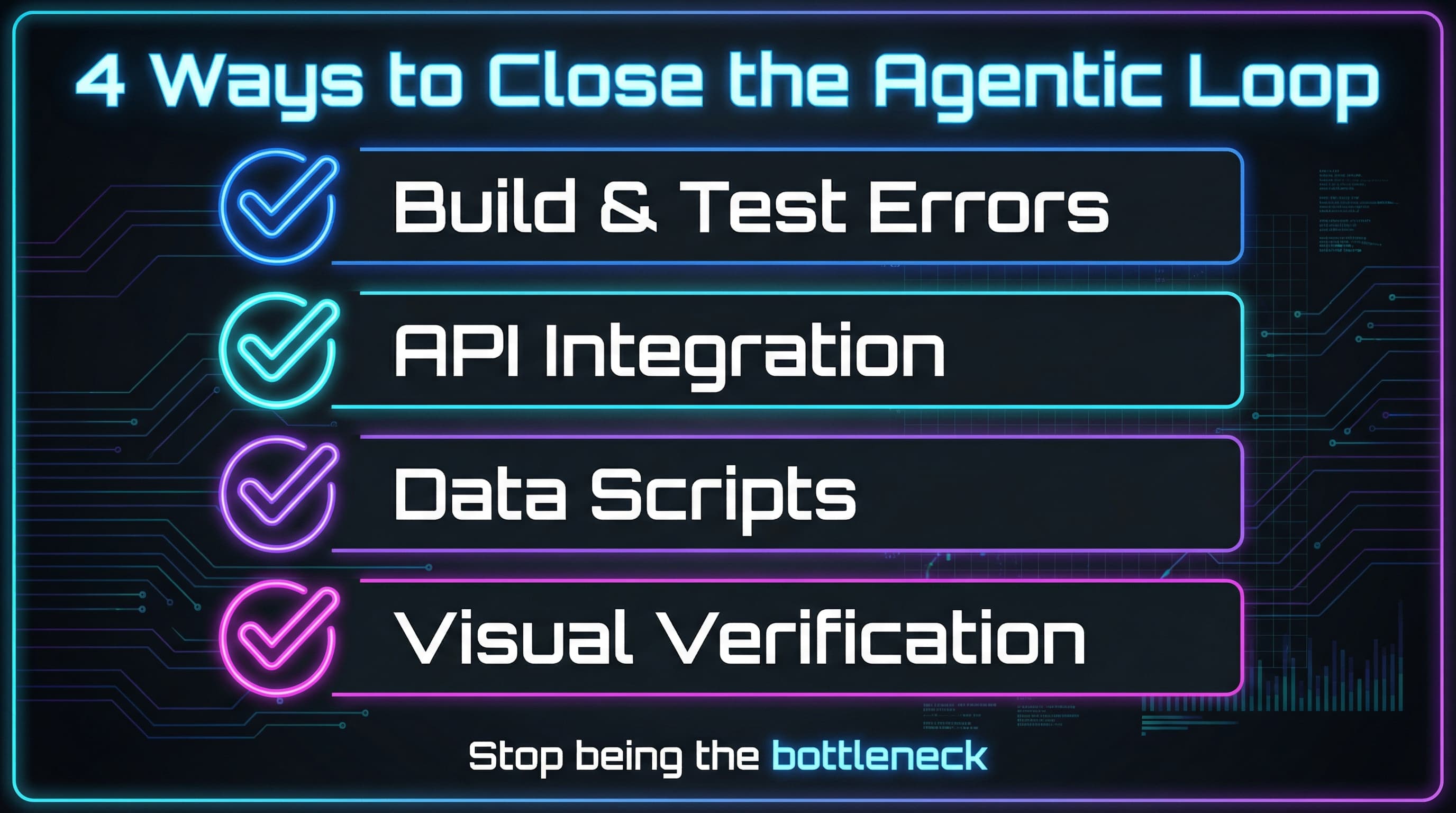
The Agentic Loop: Stop Babysitting Your Coding Agent
The more your agent can run code and feed output back to itself, the less you do. Learn how to close feedback loops and let your coding agent iterate autonomously.
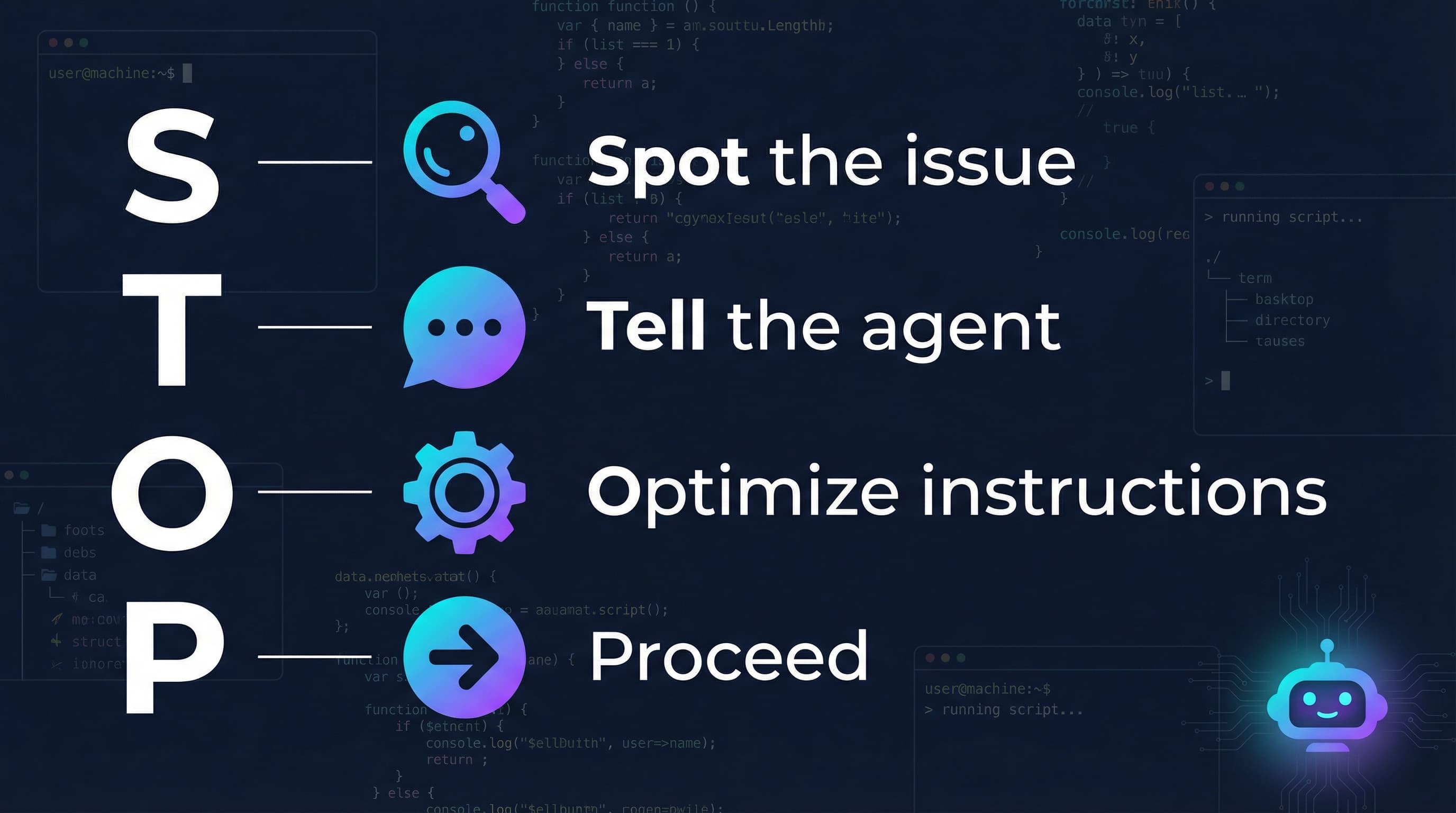
Your Coding Agent Can Upgrade Itself
When your coding agent makes a mistake, use that moment to upgrade the agent, with the agent itself. One sentence, 30 seconds, permanent fix.

A Letter to the Developer Who Thinks AI Is a Gimmick
AI is not magic - it's a pattern-matching tool. Understanding how LLMs work explains why your experience sucked and reveals when coding agents actually shine.