Claude Code Skills & Commands Explained
CLAUDE.md, Commands, and Skills are three ways Claude Code lets you add context. Knowing which to use matters.
Here's how Anthropic describes each of them:
| CLAUDE.md | "A special file that Claude automatically pulls into context when starting a conversation" |
| Commands | "Custom slash commands allow you to define frequently used prompts" |
| Skills | "A markdown file that teaches Claude how to do something specific" |
I think Anthropic is underselling these features. A simpler mental model will help you actually use them.
By the end of this article, you'll understand:
- What Commands and Skills actually are
- Why they matter for agent performance
- How to set up your first one
Why Context Matters
Most people save all their rules in their global CLAUDE.md. TypeScript conventions, commit message formats, testing preferences... everything goes in one file so Claude Code respects it across all projects.
This works, but it has a problem. Getting a coding agent to do what you want is an optimization game. Research shows two things that work against each other:
- Context is crucial. Without it, your agent falls back to generic training patterns. Compare these two prompts and the difference in outputs you'd get:
- More context degrades performance. Irrelevant tokens spread attention thin and actively hurt output quality. (source)
The goal: Include only high-quality, relevant context for the current task. Anything irrelevant is noise that degrades your agent's output.
A Tale of Two Developers
Meet Alice and Bob. Alice has accumulated rules for every language she's ever used. Bob keeps only what's relevant to his current stack.
# TypeScript Rules
Use strict mode, prefer interfaces...

# Java Rules
Follow Google Java Style Guide...

# Go Rules
Use gofmt, error wrapping...

# Rust Rules
Prefer Result over panic...

# Python Rules
Use type hints, black formatter...

# Email Formatting
Professional tone, signature...# TypeScript Rules
Use strict mode, prefer interfaces...
# React Rules
Functional components, custom hooks...Both send their agent the same task:
Build a TODO list application in TypeScript and React.
Here's what each agent's context window looks like. The blocks represent the rules loaded from CLAUDE.md, sized by token count:
Bob's agent will likely more reliably follow his rules when writing code. The Java, Go, Rust, Python, and email rules in Alice's context are noise, competing for attention with the actually relevant TypeScript and React rules.
But Alice's rules aren't bad. They're valuable when she's working in those languages. The problem isn't having them - it's loading all of them all the time.
The Problem of the Ideal Context Window
The goal (when optimizing for output quality) when operating a coding agent is to build the best possible stack of context before the agent executes a task. Every piece of context should be relevant to what you're asking for.
I think about it like building blocks. How do I put all the correct blocks in place and build the best foundation possible for the agent to work on top of?
This is the dream:
- TypeScript rules for a TypeScript project
- React rules because you're building UI
- Testing framework docs because the task includes tests
- Auth module documentation because that's where you're working
- Content of the relevant files you'll be modifying during this task
- And the task itself
No Java rules. No email formatting guides. No Python conventions. Just what the agent needs to do its job well.
But how do we actually set up the agent's context window before each task? I don't want to edit CLAUDE.md every time I switch what I'm working on.
Commands and Skills are Claude Code's answer to this problem. Load context only when you need it.
The Mental Model
Claude Code gives you three mechanisms for adding context into your agent's context window:
| Context Type | Controlled by | What is added | Location |
|---|---|---|---|
| CLAUDE.md | Always included | Content in markdown file | .claude/CLAUDE.md |
| Commands | You | Content in markdown file | .claude/commands/[command].md |
| Skills | Agent | Content in markdown file | .claude/skills/[skill]/SKILL.md |
They're all just different mechanisms to load markdown files into your context window. The only difference is:
- CLAUDE.md = always included
- Commands = user decides to add context
- Skills = agent decides to add context
What is a Command?
A Command is simple: a markdown file that gets injected into your context window when you type its name.
Commands live in one of two places:
- Personal Commands:
~/.claude/commands/[name].md(available in every session) - Project Commands:
[project]/.claude/commands/[name].md(project-specific)
The filename becomes the Command. Create commit.md and you get /commit.
How Commands Work
When you type /commit, Claude Code finds commit.md and injects its contents into the context window alongside your message.
Create a commit for the current changes. Write a clear, descriptive commit message that explains what changed and why.
That's it. Anthropic sells Commands as "frequently used prompts," and while that's the most common use case, a Command can be anything you want to inject into context. Workflows. Checklists. Documentation. Anything.
Example: Session Closing Command
At the end of every coding session, I want my agent to run quality gates, commit changes, and clean up.
I used to have these instructions in my CLAUDE.md. But that meant all this context was in my context window while my agent was writing code, even though it was completely irrelevant to its job.
Moving it to a Command means I load this context only when I need it.
Here's a simplified version (see my full Claude Code workflow for the complete setup):
# Close Session Protocol

When closing a session, complete ALL of the following steps in order:

## 1. Quality Gates
- Run the test suite and fix any failures
- Run the linter and fix any issues
- Run the formatter
- Ensure the build passes
Now these instructions only enter my context window when I type /close-session. My agent's attention stays focused on the actual task until I'm ready to close out.
TLDR: A Command is a shortcut the user runs to load a markdown file into the context window of the agent.
What is a Skill?
I think Anthropic misnamed this feature. People sell "Skills" as a way to "teach your coding agent a new ability." That framing is limiting.
Here's a simpler mental model:
A Skill is just like a Command, but the agent decides when to load it instead of you.
Therefore:
A Skill is a markdown file that is loaded into the context window when the agent requests it.
Skills live in one of two places:
- Personal Skills:
~/.claude/skills/[skill-name]/SKILL.md(available in every session) - Project Skills:
[project]/.claude/skills/[skill-name]/SKILL.md(project-specific)
Notice the difference from Commands: Skills live in a folder with a SKILL.md file inside. This is because Skills can include additional files (scripts, documentation, examples) alongside the main Skill definition.
.claude/skills/
└── my-skill/
    ├── SKILL.md          # Required: the skill definition
    ├── examples.md       # Optional: supporting files
    └── helper-script.ts  # Optional: supporting code
That's one application of Skills. You can include code, API documentation, or tool references alongside a Skill file and write instructions that tell your agent how to use them. That's powerful.
I have a Skill that enables Claude Code to generate images via the Nano Banana API. Whenever I ask Claude to generate an image, it loads the SKILL.md which explains the contract of generate.sh so it can call the script correctly.
But the actual mechanism is simpler: Skills allow agents to load SKILL.md into context. That's it.
If your SKILL.md references other files or scripts, you may steer Claude to read or execute those files, but that's just Claude following instructions.
"Adding capabilities" is just one use case of the agent-loads-context-on-demand mechanism that Skills introduce. Module-specific rules, conditional documentation, library documentation... any context that's only relevant sometimes belongs in a Skill.
If you're interested in learning more about building Skills that add new capabilities, I'm working on a deep-dive article. .
How Skills Work
Skills have three parts:
- Frontmatter (top of SKILL.md): Name and description. The description is what the agent uses to decide if it should load the Skill.
- Content (rest of SKILL.md): The context that gets added when the Skill loads.
- Additional files (other files in the Skill folder): Optional supporting files that the Skill can reference.
Here's the key insight: the Skill's frontmatter (name + description) is always in the context window as a tiny block. The actual Skill content only gets loaded when the agent decides it's relevant.
The agent reads the description and uses it to determine when to load the rest of the Skill file. When it recognizes a task matches a Skill's description, it loads the full content into context.
---
name: commit
description: Load when committing changes, writing commit messages, or finishing a task
---

Create a commit for the current changes. Write a clear, descriptive commit message that explains what changed and why.
Here's the frustrating truth: as of now, Claude Code has a Skill activation problem. In practice, Claude often ignores Skills entirely unless you explicitly tell it to use one.
This completely undermines the point. Anthropic's docs literally say: "When you ask Claude something that matches a Skill's purpose, Claude automatically applies it." If you have to manually invoke Skills, they're just Commands with extra steps.
This is a Claude Code-specific issue. Skills work fine on claude.ai. Hopefully Anthropic fixes this soon. You can track progress on this bug via this GitHub issue. If this affects you, consider upvoting or commenting to help prioritize a fix.
Scott Spence figured out a workaround using a "forced-eval" hook that gets ~84% activation success (vs ~20% without it). It costs extra tokens per prompt, but if you want Skills to actually work, it's basically required for now.
The Power of Agent-Triggered Context
The real insight: your agent can now decide what context it needs based on the task.
Imagine you have a FrontEndDesign Skill:
- Description: Load when working on UI components or frontend code
- Content: Your team's design system patterns, component conventions, and styling rules
Watch how it behaves differently depending on the task:
The backend task never loaded the frontend Skill because it wasn't relevant. The frontend task loaded it automatically when the agent started working on frontend code. This is context engineering in action.
Example: Authentication Module Skill
One of the biggest complaints about coding agents is that they struggle in large codebases. Context engineering can help.
Imagine you have a codebase with dozens of modules, and your coding agent keeps messing up in the authentication module because it's so complex. This module has specific rules, patterns, and gotchas that would be too much to include in your main CLAUDE.md. You build a Skill for it:
---
name: Authentication Module Info
description: Load this skill when working on anything related to authentication, login, signup, sessions, or files in packages/auth/
---

# Authentication Module

## Architecture
- JWT-based authentication with refresh tokens
- Tokens stored in httpOnly cookies (not localStorage)This would bloat your CLAUDE.md if included always. But as a Skill, it only loads when the agent is actually working on auth-related code.
If a module is isolated to a specific filepath, and no other modules need to know about it, you may want to look into path-specific rules instead of Skills.
Choosing the Right Context Method
You have a rule, information, or documentation you want to give your coding agent.
Will you need this context again?
| CLAUDE.md | Commands | Skills | |
|---|---|---|---|
| Who triggers | Always included | You (type /command) | Agent (automatic) |
| When loaded | Every conversation | When you invoke it | When agent detects relevance |
| Best for | Universal rules, preferences, project setup, project info | Workflows, checklists, session protocols | Module-specific rules, conditional context, adding new functionality to agent |
| Example | Code style, commit message format | /close-session for end-of-session cleanup | Auth module rules when touching auth code |
| Mental model | "Always remember this" | "I want to trigger this on demand" | "If working on X, know about Y" |
Quick Start: Create Your First Skill
Here's the fastest way to create a Skill:
1. Create the Skill folder:
mkdir -p .claude/skills/my-first-skill
2. Create SKILL.md with frontmatter:
---
name: My Skill Name
description: Description of when to load this Skill
---

# Skill Content

Add your Skill instructions here.3. Save and test:
Your Skill is now active. You may need to restart your Claude Code instance to pick it up (run claude --continue to resume where you left off, although I recommend starting with a fresh context window for new tasks). Work on a task that matches your trigger description and watch the agent load it automatically.
For Command creation, it's even simpler: create a markdown file in .claude/commands/ and start using it with /filename.
For full documentation, see Claude Code Slash Commands and Claude Code Skills.
Summary
Commands and Skills are tools for context engineering:
- CLAUDE.md is always included (universal rules, project info)
- Commands let YOU inject context on-demand (type
/command) - Skills let your AGENT inject context on-demand (automatic based on task)
- Commands and Skills keep your context window lean and your agent focused
Stop stuffing everything into CLAUDE.md. Use Commands for workflows you trigger manually. Use Skills for context the agent should load conditionally.
Want more like this? Get my best AI tips in your inbox.

AI DevX Engineer at SurePath AI. Former Amazon engineer. I write about using AI effectively for work.
Recommended Articles
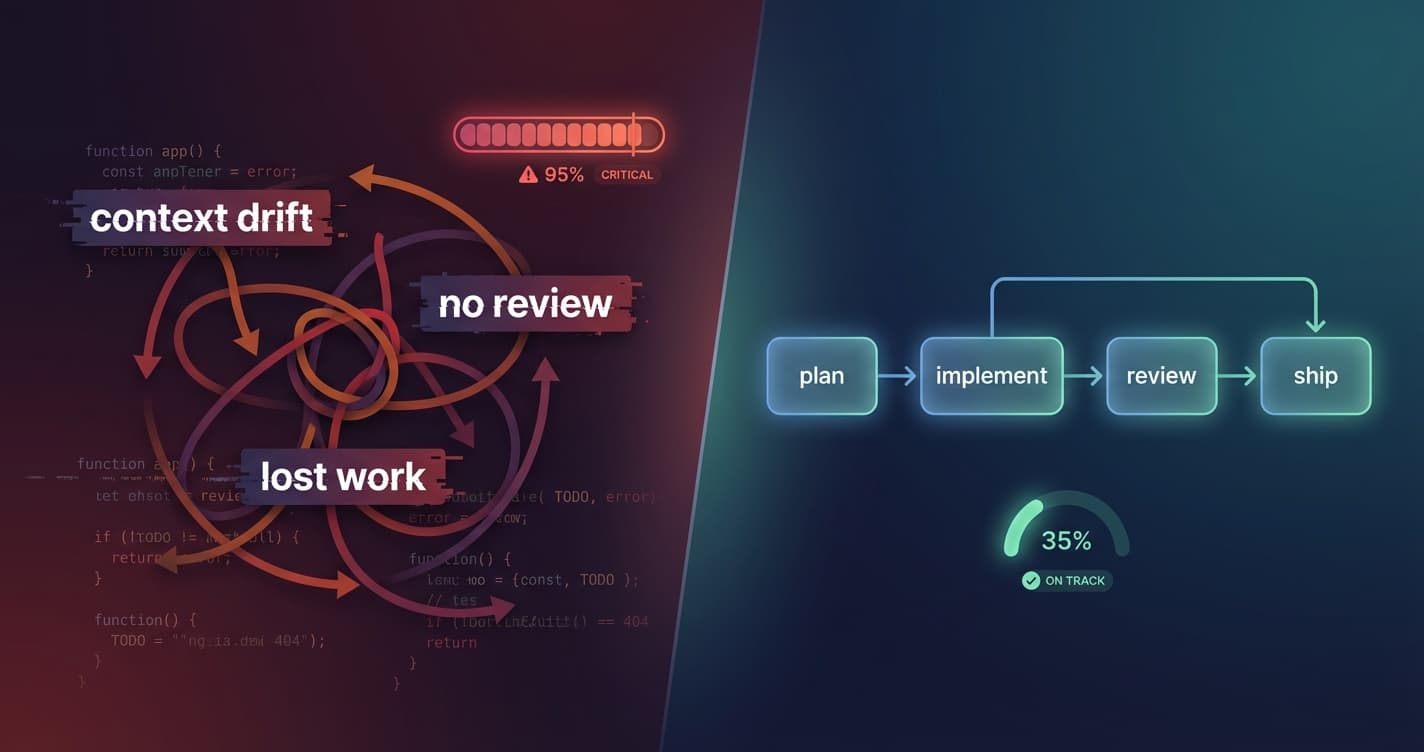
My Claude Code Workflow for Building Features
A structured workflow for using Claude Code with sub-agents to catch issues, maintain code quality, and ship faster. Plan reviews, code reviews, and persistent task management.
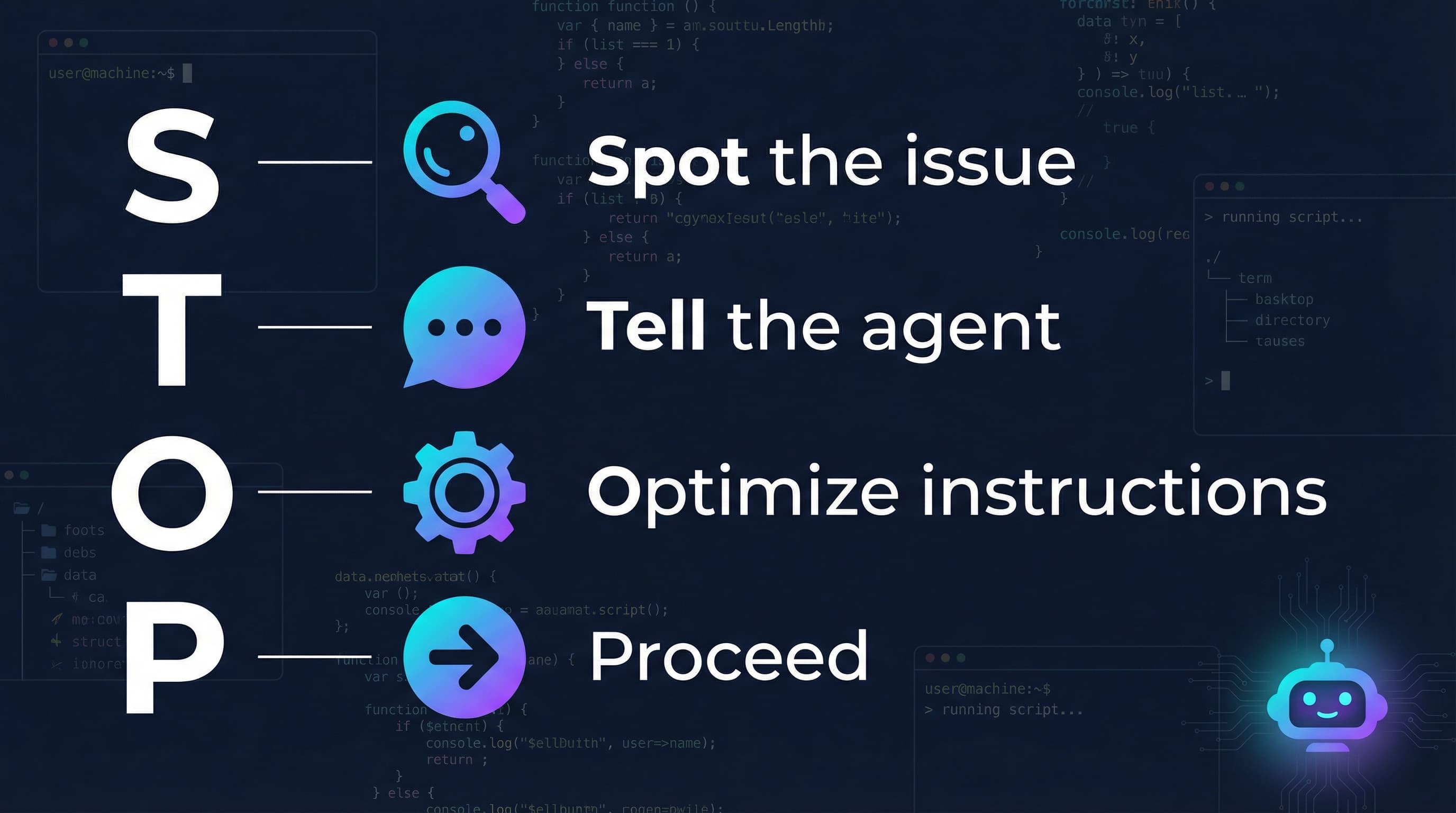
Your Coding Agent Can Upgrade Itself
When your coding agent makes a mistake, use that moment to upgrade the agent, with the agent itself. One sentence, 30 seconds, permanent fix.
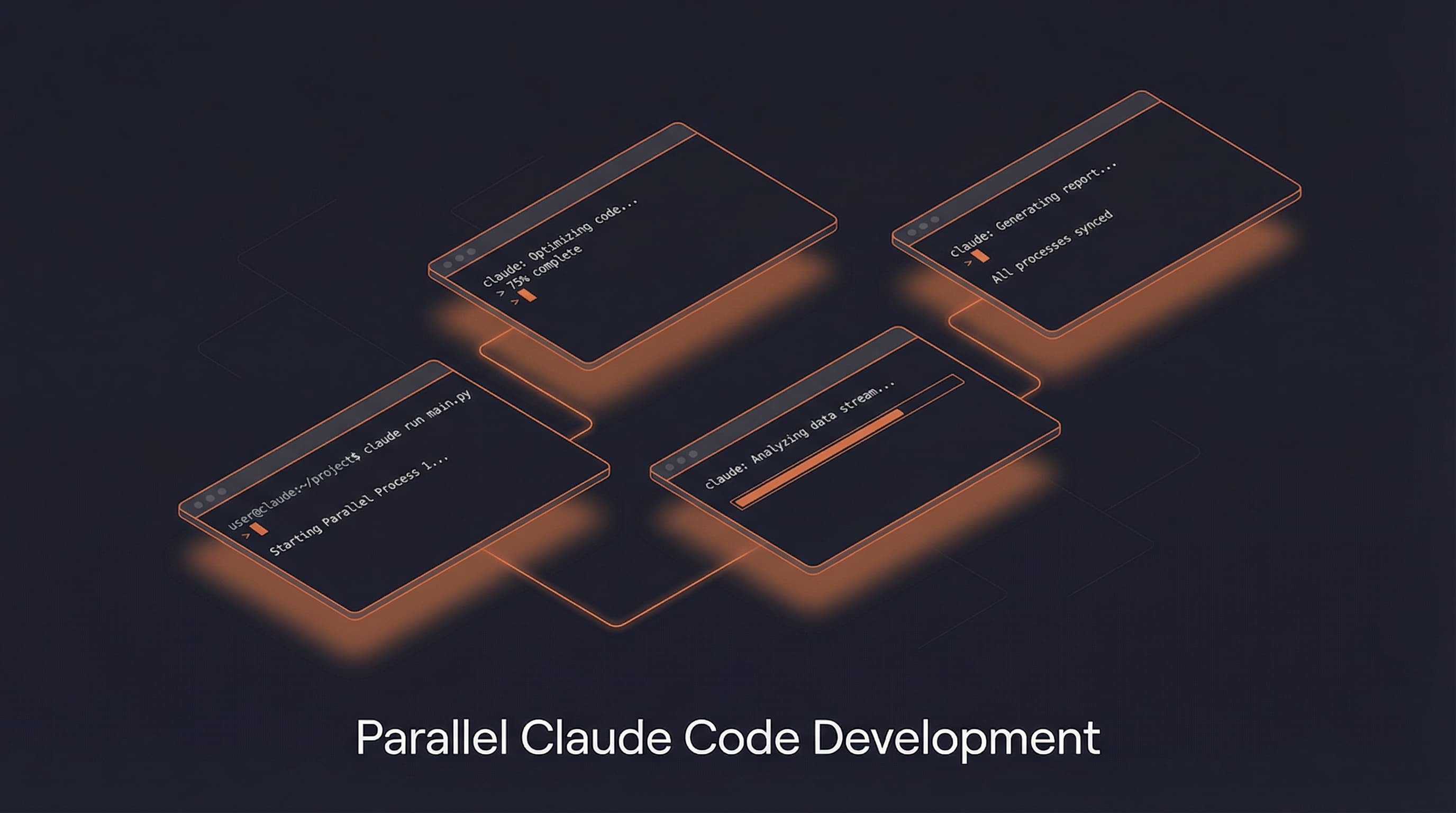
How to Run Multiple Claude Code Sessions at Once
Running multiple Claude Code sessions? Stop tab-hunting. This 5-minute tmux setup keeps every project organized in one place.